Locked out of your Wix site again? It’s more common than you think—and wasting time chasing login issues only slows your business down. This guide cuts through the confusion with clear steps for Wix login, password resets, and securing your account. Plus, we’ll show when it’s worth calling in experts like fuze Studio to keep control or make a smooth move to WordPress. [https://forum.wixstudio.com/t/customising-signup-login-advanced/24707]
Quick Fixes for Wix Login Issues
Getting locked out of your Wix site can be frustrating, but there are quick solutions to get you back on track. Here’s how you can regain access to your site without the hassle.
How to Login to Wix Effortlessly
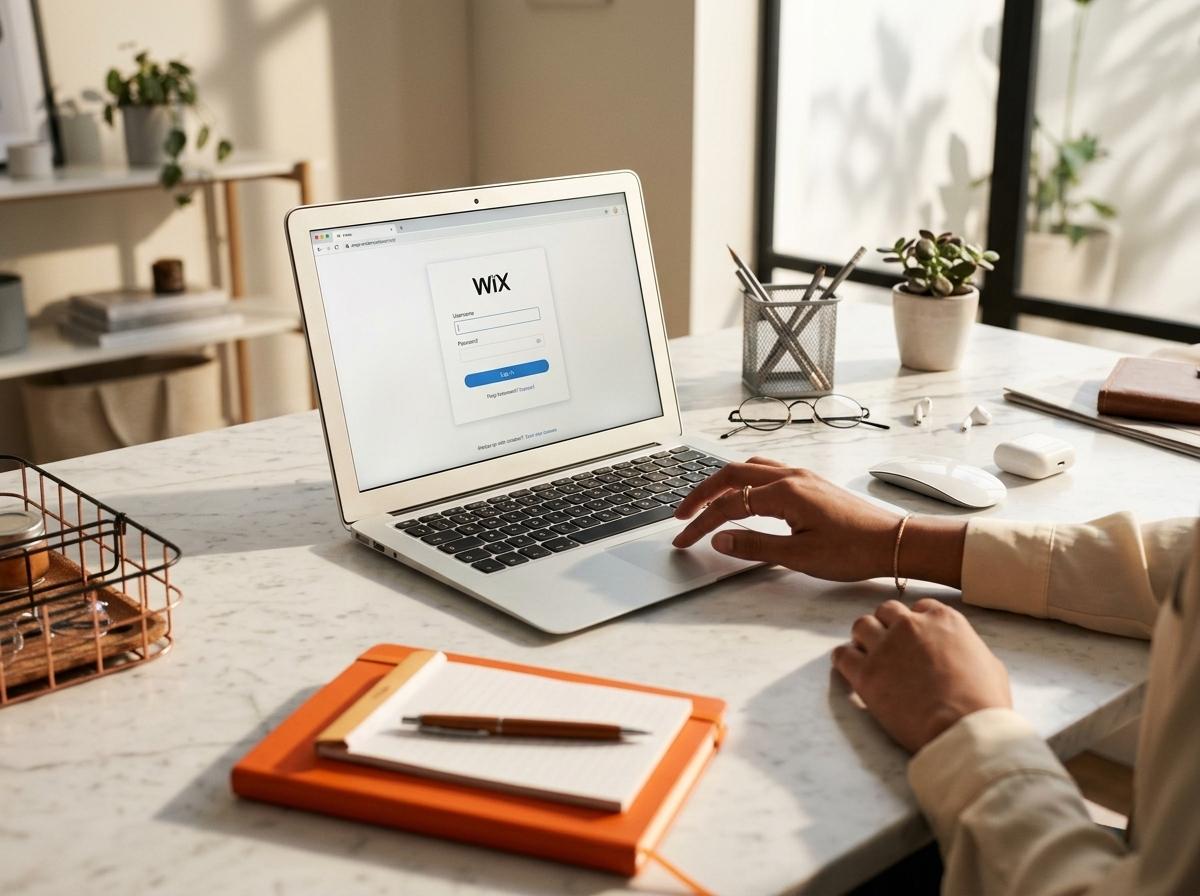
Logging into Wix should be a breeze, but it helps to know the steps. First, head over to the Wix login page. Enter your email and password. If you’ve saved your login details, it’s even faster. Make sure your browser’s autofill is enabled for a smoother login experience.
Tip: Use a password manager to keep track of your credentials. It saves time and reduces errors.
If you come across issues, clearing your browser cache often resolves login problems. It’s a simple fix that can solve many tech hiccups.
Troubleshooting Common Login Problems
Sometimes, logging into Wix isn’t straightforward. If you can’t login to Wix, check your internet connection. A stable connection is crucial. Another tip: ensure your browser is up-to-date. Outdated versions may cause login issues.
If these steps don’t work, try a different browser. Occasionally, browser-specific problems can block access. Most people think changing browsers won’t help, but it often does.
Wix Password Reset Steps
Forgetting a password is common. Fortunately, Wix has a straightforward reset process. Visit the Wix login page and click “Forgot Password?” Enter your email, and follow the instructions sent to your inbox.
Insight: Use a secure password—consider a mix of letters, numbers, and symbols. Change your passwords regularly to keep your account safe.
Securing Your Wix Account
Once you’re back into your account, it’s time to think about security to prevent future lockouts. These simple steps will help you maintain access and protect your site from unauthorised use.
Enable Wix Two Factor Authentication
Two Factor Authentication (2FA) is a must for secure access. It adds an extra layer of security to your Wix admin login. To set it up, go to your account settings, find the 2FA option, and follow the prompts to link your phone.
Why 2FA? It significantly reduces the risk of unauthorised access. Even if someone knows your password, they can’t log in without the second factor.
Learn more about 2FA on Wix by checking out this native 2FA login guide.
Managing Wix Owner vs Collaborator Access
Managing access rights ensures your site remains in the right hands. Wix allows you to assign owner and collaborator roles. Owners have full control, while collaborators have limited access.
Pro tip: Regularly review who has access. Remove any users who no longer need it to keep your site secure.
Conducting Wix Account Recovery
If you’ve lost access to your account entirely, recovery might be necessary. Contact Wix support or visit their community forum for help. They provide guidance on restoring your access.
For community support and more tips, visit this Facebook group.
Considering a Move to WordPress

Wix is user-friendly, but sometimes a more robust platform is needed. If you’re thinking about a change, here are some pointers on when and how to transition.
When to Transfer Wix Site Ownership
Transferring ownership might be necessary during business changes or when you outgrow Wix’s capabilities. Evaluate your current needs and decide if a platform change aligns with your goals.
Need to know whether to stick with Wix or upgrade? Check out our post on Wix for Business.
Advantages of Migrate Wix to WordPress
Migrating to WordPress offers flexibility and control. With better SEO tools and customisation options, it’s a strong contender. WordPress can handle more complex sites with ease, making it ideal for growing businesses.
Did you know? WordPress powers over 40% of the web, showcasing its popularity and reliability.
Wix SEO Australia vs WordPress Potential
In Australia, SEO is crucial for visibility. WordPress often outperforms Wix due to its advanced SEO capabilities. With more plugins and customisation options, WordPress can help elevate your search rankings.
For insights on when WordPress wins over DIY builders, see our Website Builder guide.
Frequently Asked Questions
What should I do if I can’t login to Wix?
Check your internet connection, clear your browser cache, and try using a different browser. If all else fails, reset your password.
How do I reset my Wix password?
Go to the Wix login page, click on “Forgot Password?” and follow the instructions sent to your email.
Is Two Factor Authentication necessary for Wix accounts?
Yes, enabling 2FA adds an essential layer of security, protecting your account even if your password is compromised.
When should I consider moving from Wix to WordPress?
Consider migrating if you need more customisation, better SEO capabilities, or if your business has outgrown Wix’s functionality.
How does WordPress improve SEO compared to Wix?
WordPress offers more SEO tools and plugins, allowing for better optimisation and potentially higher search rankings.