Affordable Web Design Tips: Quality You Can Count On
Most small businesses think affordable web design means cutting corners. That’s where they get it wrong. You can build a site that looks great and works hard—without blowing your budget. In this post, you’ll find quality web design tips that keep costs down while making your online presence shine. Let’s get started with fuze STUDIO’s tried-and-tested approach to cost-effective web solutions. For more insights, you can check out this resource.
Cost-Effective Web Design Essentials

Ready to make your web presence shine without draining your wallet? Let’s dive into the essentials of cost-effective design.
Smart Budgeting for Web Design
Budgeting smartly is the first step to affordable web design. Set a clear budget before starting the project. This helps in allocating funds efficiently and preventing overspending. Begin by identifying your website’s key needs. Are you focusing on branding, functionality, or both? Knowing this will guide your spending. An example of effective budgeting is allocating 40% of your budget to essential features, while reserving 20% for aesthetic enhancements.
Don’t forget to consider ongoing costs like hosting and maintenance. These can add up if not planned properly. To keep costs down, explore affordable hosting options that offer reliable service. Remember, you don’t need to break the bank to get a website that works for you. Most people think expensive means better, but that’s not always the case.
Prioritising User Experience
User experience is the heart of any successful website. First impressions matter, so make sure your site is easy to navigate. Streamlined design helps users find what they need quickly. Another key aspect of user experience is fast loading times. Did you know that 53% of mobile users leave a site that takes longer than three seconds to load? Prioritising speed ensures visitors stick around.
Engaging content is also crucial. Use clear, concise language and engaging visuals to capture attention. This approach not only keeps users interested but also encourages them to explore further. The longer you keep them engaged, the more likely they are to convert into customers.
Quality Web Design Tips

Now that we’ve covered budgeting and user experience, let’s explore some quality tips that keep costs low while maximising impact.
Choosing the Right Platform
Selecting the right platform is pivotal in affordable web design. Start with platforms like WordPress or Wix, which offer extensive customisation options without the hefty price tag. These platforms are user-friendly, allowing you to manage and update your site easily.
For small businesses, platforms with built-in SEO tools can be a game-changer. They help improve your site’s visibility without needing a separate SEO budget. Consider the long-term flexibility of the platform as well. You want something that grows with your business. Check out this article for more insights on choosing the best platform.
Emphasising Mobile Responsiveness
In today’s digital age, mobile responsiveness is non-negotiable. With over 60% of online searches coming from mobile devices, your site must look and function well on all screens. Responsive design ensures your site adapts to different devices, enhancing user experience across the board.
Test your site on various devices to ensure seamless navigation and fast loading times. Remember, a mobile-friendly site not only improves user satisfaction but also boosts your search engine rankings. If your site isn’t mobile-ready, you risk losing potential customers. Don’t let that happen!
Small Business Web Design Strategies
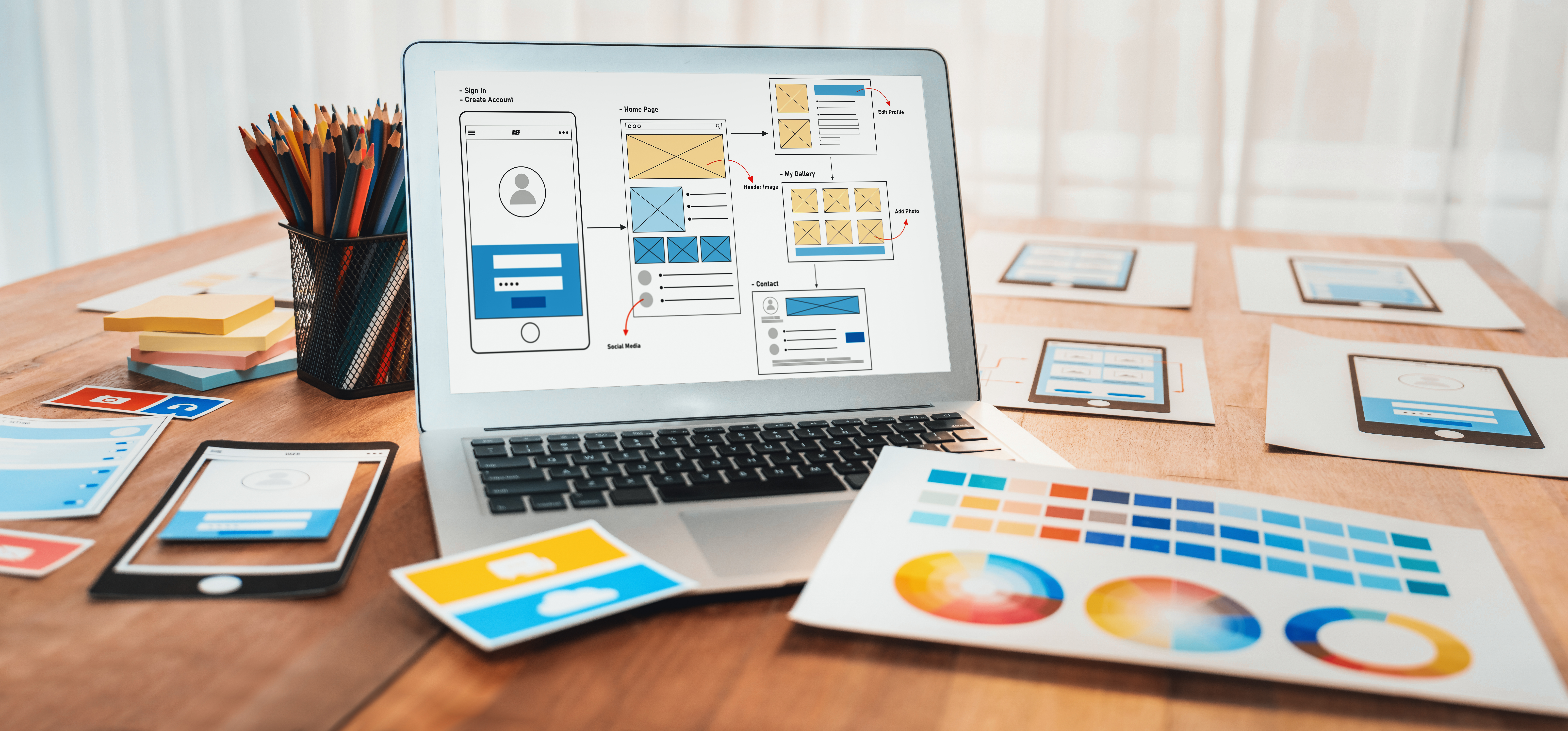
Having explored essential tips, let’s delve into strategies tailored for small businesses aiming for quality without breaking the bank.
Balancing Aesthetics and Functionality
Balancing looks and performance is crucial. A visually appealing site attracts users, but it must function well to keep them there. Opt for simple, clean designs that highlight your content without overwhelming visitors. Use high-quality images that load quickly to enhance visual appeal.
Functionality is just as important. Ensure all buttons and links work properly, and that important information is easy to find. A smooth user journey increases satisfaction and encourages repeat visits. This article offers more on achieving this balance.
Leveraging Cost-Effective Web Solutions
To leverage cost-effective web solutions, consider using free or low-cost tools for design and development. Platforms like Canva for graphics and Google Analytics for tracking offer great value without added costs. Also, consider hiring freelancers for specific tasks. They can provide quality work at a fraction of the cost of an agency.
Networking with other small business owners can also provide insights and recommendations for affordable services. Sharing resources and tips can lead to great savings and improved outcomes. For further strategies, this guide is a must-read.
Ready to make your online presence shine? 🌟
By implementing these strategies and tips, you’re on your way to a stunning, cost-effective website. Remember, quality doesn’t have to come with a hefty price tag. With careful planning and smart choices, your website can be both beautiful and functional. Now, go out there and make your mark online!