Your website is losing enquiries this winter. You might not see the obvious issues, but they’re costing you leads every day. This winter website audit checklist highlights the crucial fixes small businesses should tackle first to increase website enquiries without wasting time on guesswork. Let’s cut through the noise and focus on what really moves the needle for your site. For more insights, check out this website audit checklist.
Conversion Foundations for Website Enquiries
Start with the basics to ensure your website converts visitors into leads. This section covers key areas that influence how potential customers engage with your site.
Boost Calls to Action
Your calls to action (CTAs) are the signposts that guide visitors. Make them clear and visible. Use action-oriented language like “Get Your Free Quote,” and place them strategically. People often skim, so ensure CTAs stand out.
Consider using buttons instead of text links. They are more eye-catching and can increase click rates. Regularly test different versions to see what works best. Remember, the goal is to prompt immediate action.
Improve Contact Form Tracking
Tracking how users interact with contact forms is critical. Use tools like Google Tag Manager to measure form submissions. This data helps identify where users drop off and what might need improvement.
Ensure your forms are simple. Only ask for essential information. Every extra field can reduce completion rates. A/B testing different form lengths can provide insights into user preferences and improve conversion rates.
Above-the-Fold Messaging Tips
The content users see without scrolling is crucial. Make your value proposition clear and compelling. Use concise headlines and subheadings to capture interest. This is your chance to convey your unique offering.
Include a strong visual element, like a banner image or video, to engage visitors instantly. Remember, the first impression counts. It should encourage users to explore further down the page.
Speed and Mobile UX Essentials

User experience is a significant factor in keeping visitors engaged. Prioritise speed and mobile-friendliness to ensure seamless access on any device.
Core Web Vitals Check
Core Web Vitals measure your site’s user experience. They focus on load time, interactivity, and visual stability. Improve these metrics for better user satisfaction and search rankings.
Use Google’s PageSpeed Insights to evaluate these areas. Focus on reducing large image sizes and minifying code. A fast-loading site keeps visitors interested and reduces bounce rates.
Page Speed Optimisation
Page speed is vital for both user experience and SEO. Compress images and use a content delivery network (CDN) to distribute content faster. These steps can significantly enhance load times.
Consider upgrading your hosting if your site consistently underperforms. Fast WordPress hosting in Sydney can provide a noticeable speed boost. Regular audits can ensure your site remains optimised.
Mobile-Friendly Website Design
With more users browsing on mobile devices, a responsive design is essential. Test your site on various devices to ensure it displays correctly and functions smoothly.
Ensure buttons and links are easily clickable on smaller screens. Use scalable images and flexible layouts. A mobile-friendly site improves user engagement and keeps visitors on your page longer.
SEO and Local Visibility

To get noticed online, SEO and local visibility are crucial. These strategies help ensure your business appears in search results when potential customers are looking for services like yours.
Technical SEO Basics
Technical SEO lays the groundwork for search engines to crawl and index your site effectively. Focus on fixing broken links and 404 errors, compressing images, and ensuring your site is secure with SSL.
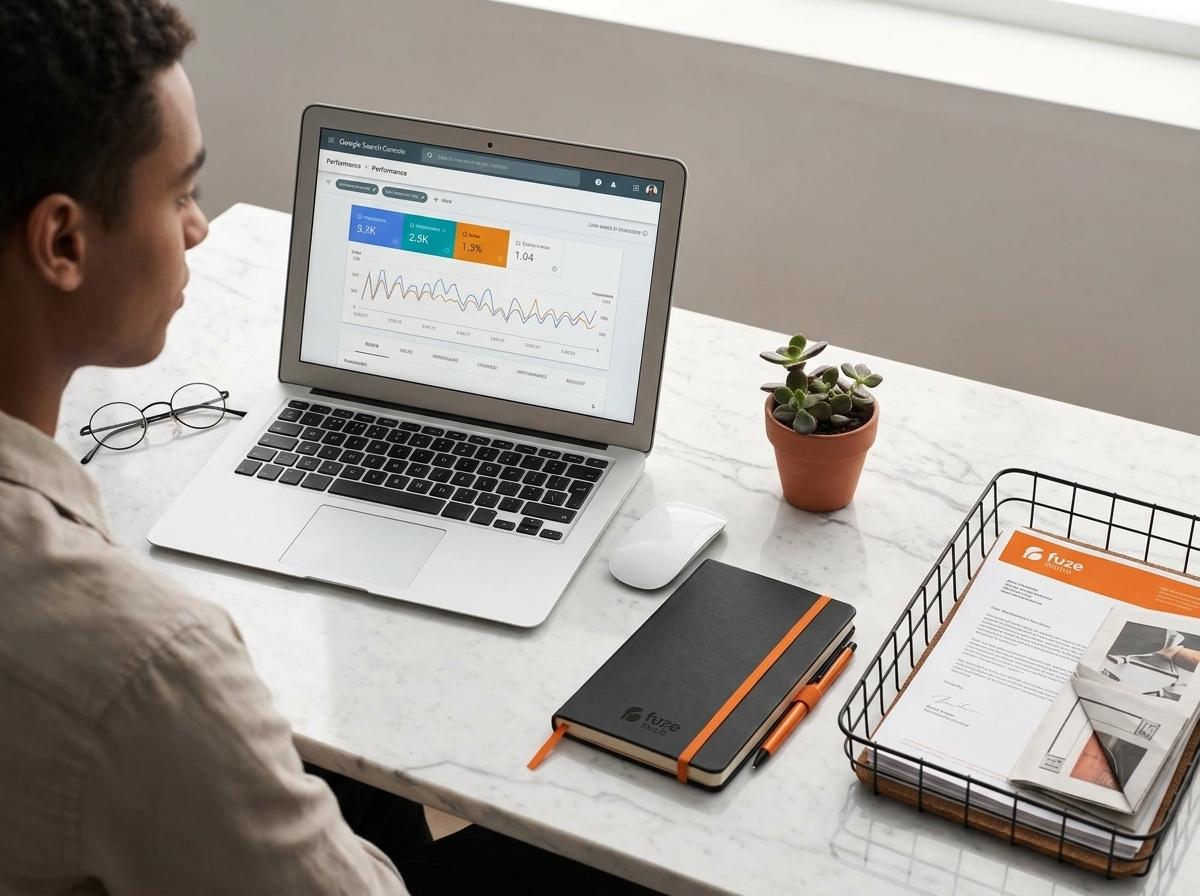
Using tools like Google Search Console can help identify and rectify issues. Regular maintenance keeps your site running smoothly and search-friendly.
Google Business Profile Optimisation
A well-optimised Google Business Profile can boost local visibility. Ensure your business information is accurate and up-to-date. Encourage satisfied customers to leave reviews to build credibility.
Regularly update posts and offers. This keeps your profile active and engaging. An optimised profile can make your business more visible in local search results.
Local SEO Australia Strategies
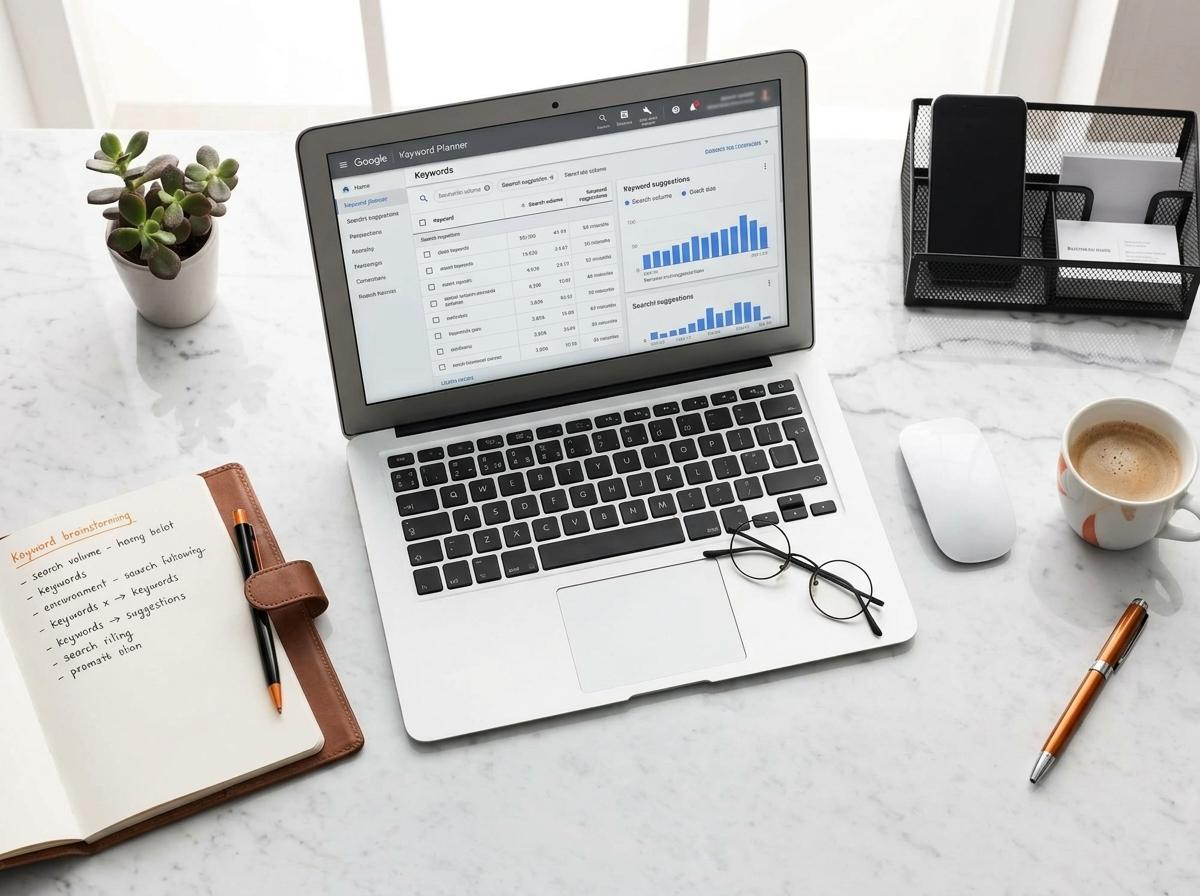
Tailor your SEO strategies to capture local traffic. Use location-based keywords in your content and meta tags. This helps search engines connect your business to local searches.
Claiming and optimising local listings across platforms can enhance visibility. Ensure your name, address, and phone number are consistent everywhere online. This consistency strengthens your local presence.
Frequently Asked Questions
Why is page speed important for my website?
Page speed affects user experience and search rankings. Faster pages engage users better and rank higher on Google.
How can I improve my site’s mobile experience?
Use a responsive design that adjusts to any device. Test usability on smartphones and tablets to ensure smooth navigation.
What are Core Web Vitals, and why do they matter?
Core Web Vitals are metrics that assess your site’s performance in loading speed, interactivity, and visual stability. Improving them enhances user satisfaction and search ranking.
How do I optimise my Google Business Profile?
Ensure accurate business details, use location-based keywords, and encourage customer reviews to enhance your profile’s visibility.
What is the importance of local SEO?
Local SEO helps your business appear in local searches, attracting nearby customers and boosting your visibility in search results.