Most websites lose visitors before they even get the chance to say what they’re about. When your site isn’t clear, people hesitate—and trust drops fast. In this post, you’ll learn simple, affordable ways to sharpen your website clarity so visitors stick around, trust your brand, and take action. Keen to tidy up your site? Book a free 20-minute Website Clarity Check with fuze STUDIO.
Boost Website Trust and Conversions
Simple Tips for Website Clarity
Want visitors to stay and explore your site? Start by simplifying your content. Clear, concise language helps users understand what you’re about quickly. Use headings and bullet points to break up text. Visuals can guide users, but keep them relevant and not overwhelming. Remember, a cluttered page can confuse and deter visitors. Website clarity isn’t just about words; it’s about making the user journey intuitive and straightforward.
Trust Signals for Credibility
Building trust online is crucial. Displaying trust signals like customer reviews, testimonials, and security badges can reassure visitors. People want to see that others have had positive interactions with your brand. Highlight any industry certifications or partnerships. These elements work together to boost your brand credibility online. Aim to show that your site is safe and reliable, encouraging users to explore further.
Clear Calls to Action
What do you want visitors to do on your site? Make sure your calls to action (CTAs) are clear and compelling. Avoid vague phrases and instead, use direct language like “Shop Now” or “Contact Us Today”. Position your CTAs where they’re easily found, like near product descriptions or after engaging content. A clear call to action can guide users towards conversions, making it an essential part of your site strategy.
Essential Website Navigation Practices
User-Friendly Navigation Tips
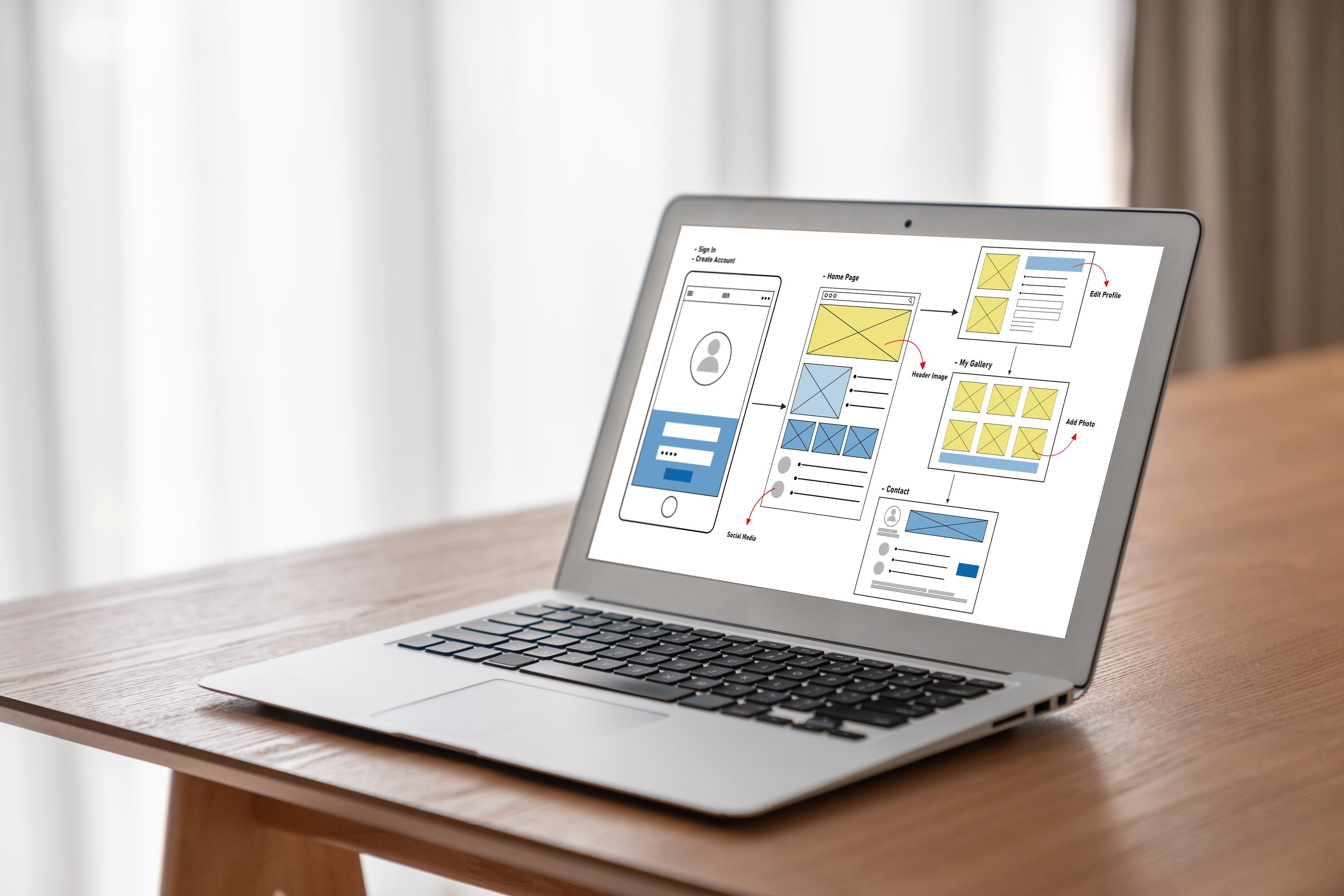
Navigation should feel natural. Use simple menus that clearly label each section of your site. Consider a sticky menu that stays visible as users scroll down. Ensure your navigation works seamlessly on both desktop and mobile. When users can find what they need easily, they’re more likely to stay longer. Website navigation best practice is all about simplicity and accessibility.
Effective Homepage Messaging
First impressions count, and your homepage is often the first thing visitors see. Make sure it communicates your main message quickly. Use a catchy headline and a brief description of what you offer. Highlight unique selling points that set you apart from competitors. Homepage messaging should be direct and engaging, giving visitors a reason to explore further.
Accessible and Mobile-First Design
Designing with accessibility in mind ensures everyone can use your site. Use alt text for images and ensure your design contrasts enough for readability. With more users accessing sites via mobile, a mobile-first web design approach is crucial. Ensure your site is responsive, so it looks great on any device. This not only helps with user experience but can also impact search engine rankings.
Power Up with SEO and CRO

SEO-Friendly Content Strategies
SEO is about more than just keywords. It’s about creating content that search engines and users find valuable. Use keywords naturally in your content, headings, and meta descriptions. Quality content attracts visitors and keeps them coming back. Consider what your audience is searching for and answer those questions clearly. SEO-friendly content can significantly boost your visibility and engagement.
Conversion Rate Optimisation Basics
Boosting conversions starts with understanding what works on your site. Use tools like heatmaps to see where users click most. Test different versions of pages to see what converts better. Simplify forms to encourage more sign-ups. Conversion rate optimisation is about making small changes that lead to big results. Regularly review your strategies to keep improving.
Using Google Analytics GA4 Effectively
Google Analytics GA4 is a powerful tool that provides insights into user behaviour. Use it to track where visitors come from and what they do on your site. This data helps you understand what works and what doesn’t. Set up goals to measure conversions and see which pages perform best. With GA4, you can continuously refine your approach for better results.
Frequently Asked Questions
What are trust signals in web design?
Trust signals are elements like reviews, testimonials, and security badges that reassure visitors about the credibility of your site. These signals help build confidence and encourage users to interact with your brand.
How can I improve my site’s mobile experience?
Ensure your site is responsive and looks good on any device. Use a mobile-first design approach, focusing on speed and ease of navigation. Test your site on different devices to catch any issues.
Why is SEO important for my small business site?
SEO helps improve your site’s visibility on search engines, making it easier for potential customers to find you. By using SEO-friendly content strategies, you can attract more visitors and drive growth.
What is the role of Google Analytics in website optimisation?
Google Analytics provides data on user behaviour, helping you understand what works on your site. By analysing this data, you can make informed decisions to improve both SEO and CRO efforts.
How do I create effective calls to action?
Use clear, direct language in your CTAs. Position them prominently on your site, and ensure they stand out visually. A well-placed call to action guides users towards making a purchase or contacting you.